



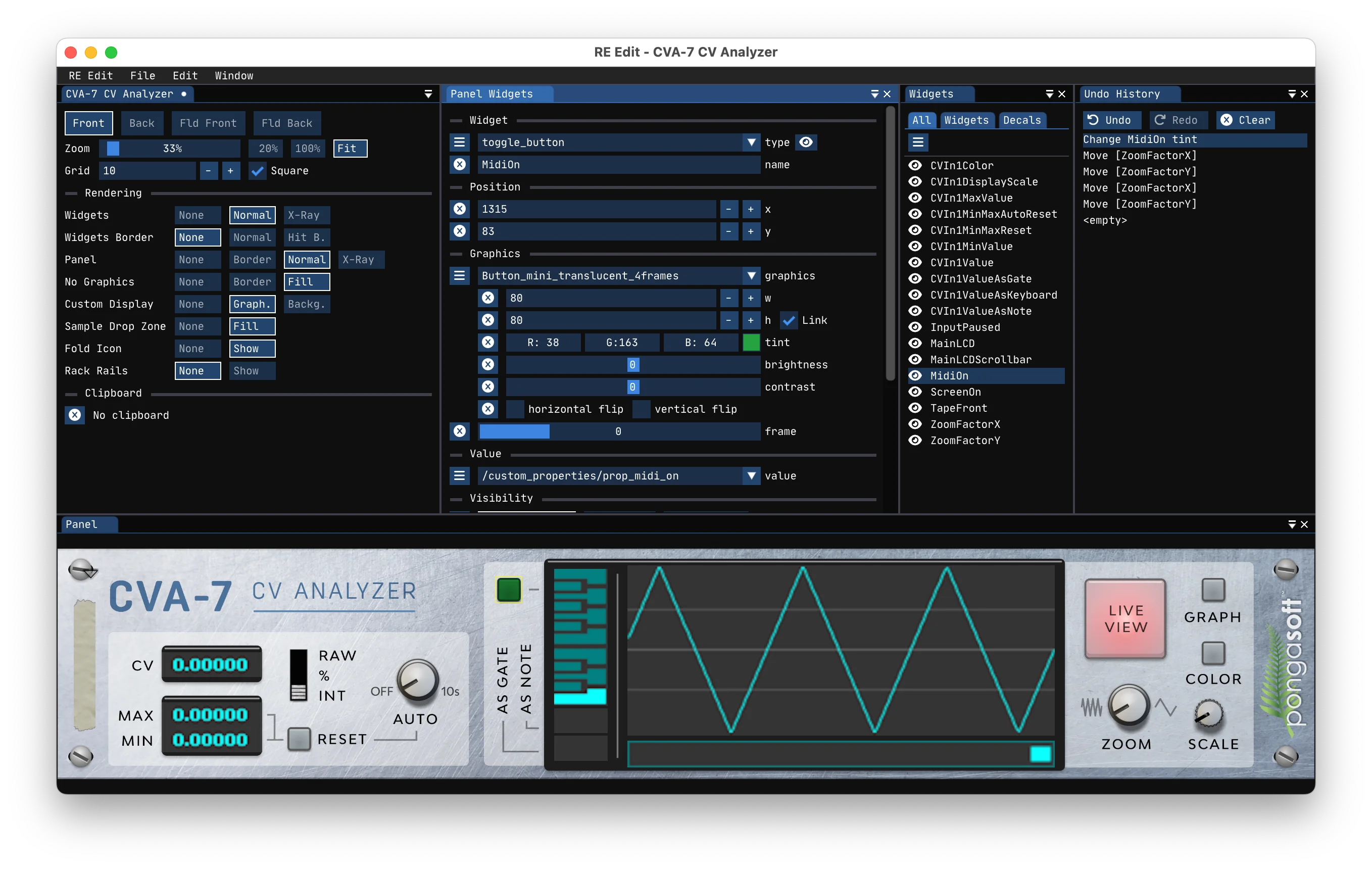



Latest News
 RE Edit | 5.0.0.20261101
2026-11-01
Released RE Edit 5 new version: 5.0.0.20261101:
- Upgraded to ImGui 1.93.0 which modernizes the look and feel and improves on some widgets (like color selection)
- Added menu “Window / Reset Window Size” (which resets the window size to the default 1280x720)
- Internally, replaced raylib backend with GLFW + WebGPU allowing to be able to upgrade to the latest version of ImGui on an independent basis and removing dependencies and layers of abstraction
- No longer produce universal builds on macOS: build individually for each platform
- Added convenient
-ioption toconfigure.pyin order to build for Intel architecture on macOS
Due to the upgrade to the latest version of ImGui, when opening a project previously saved with an older version,
the layout will most likely be broken. Select "Window / Horizontal Layout" to fix it.
Only the arm64 build is now officially released for macOS. You can easily build the x86_64 version if you need it.
 emscripten-ports | 2026.10.29
2026-10-29
Released emscripten-ports v2026.10.29 with the following changes:
- Upgraded ImGui to 1.93.0
emscripten-glfw | 3.5.1.202610282026-10-28
Released emscripten-glfw 3.5.1.20261028 with the following changes:
- Implemented GH#32
- Added a way to disable autofocus on mouse down (
emscripten::glfw3::SetFocusOnMouseDownextension function)
- Added a way to disable autofocus on mouse down (
RE Edit | 5.0.0.202609222026-09-22
Released RE Edit 5 new version: 5.0.0.20260922:
- Added buttons to move up/down the selected properties in the “values editor” window
- Removed the
Altkey shortcut to temporarily disable the grid. It was replaced with a new (non-temporary) shortcutCMD G(resp.Ctrl G), icon and menu entry - Added a feature to visually resize/rescale the selected widget(s): moving the mouse over the right,
bottom or bottom-right corner of any selected widget will change the cursor to a resize handle.
Click and drag to resize the selected widget(s).
- Resizing is constrained to the grid if "Snap to grid" is enabled (which can be disabled via the icon, menu or shortcut)
- When resizing from the bottom-right corner, the widgets are uniformly scaled and using the
Altkey disable uniform scaling - Check the video showing this feature
- Added shortcuts (keys 2 to 9) to scale the selected widget(s) by a factor of 2 to 9
- Added shortcuts (SHIFT + keys 2 to 9) to scale the selected widget(s) by a factor of 1/2 to 1/9
- Added similar buttons in the selected multiple widgets panel
- Added an option (
-S/--sdk-root) to override the RE SDK root directory when usingconfigure.py
RE Edit | 5.0.0.202608262026-08-26
Released RE Edit 5 new version: 5.0.0.20260826:
- RE Edit now always saves
blend_modeforstatic_decoration(due to a bug in the documentation/tool) - Fixed “Check for updates” (which unfortunately was broken, so a manual check is required)